
- USER GUIDE FOR STUDENTS (STUDENT WORKSPACE)
- 1. Dashboard (Student Personal Page)
- 2. My Courses, Enrolled Courses & Course Activities (Learning & Lessons)
- 3. My Contests (Technology Contests)
- 4. My Learning Tools (Learning Tools)
- 4. My Leanbot (Owned Leanbot Information)
- 5. My Twinspace (Virtual Interaction Space)
- 6. My Achievement (Honor Roll)
- 7. My Order (Orders)
- 8. My Profile (Personal Data)
USER GUIDE FOR STUDENTS (STUDENT WORKSPACE) #
Welcome students to the user guide for the Student learning workspace on the Pythaverse platform. This workspace helps you study science, technology, Leanbot Robot programming, participate in competitions, and interact with your class.
—
1. Dashboard (Student Personal Page) #
The personal page displays the current learning progress:
- From PGuide: Displays learning progress information, including the number of enrolled courses, completed courses, completed activities in the course, activities to be completed in the course, badges earned, and contests participated in.
- My badges: Displays the number of badges received.
- Enrolled Courses: Displays the number of joined courses and their corresponding access links.
- My Contests: Displays the number of joined contests and their corresponding access links.
- Other courses & Contests: Displays other ongoing contests and courses along with their corresponding access links.
- Illustration:
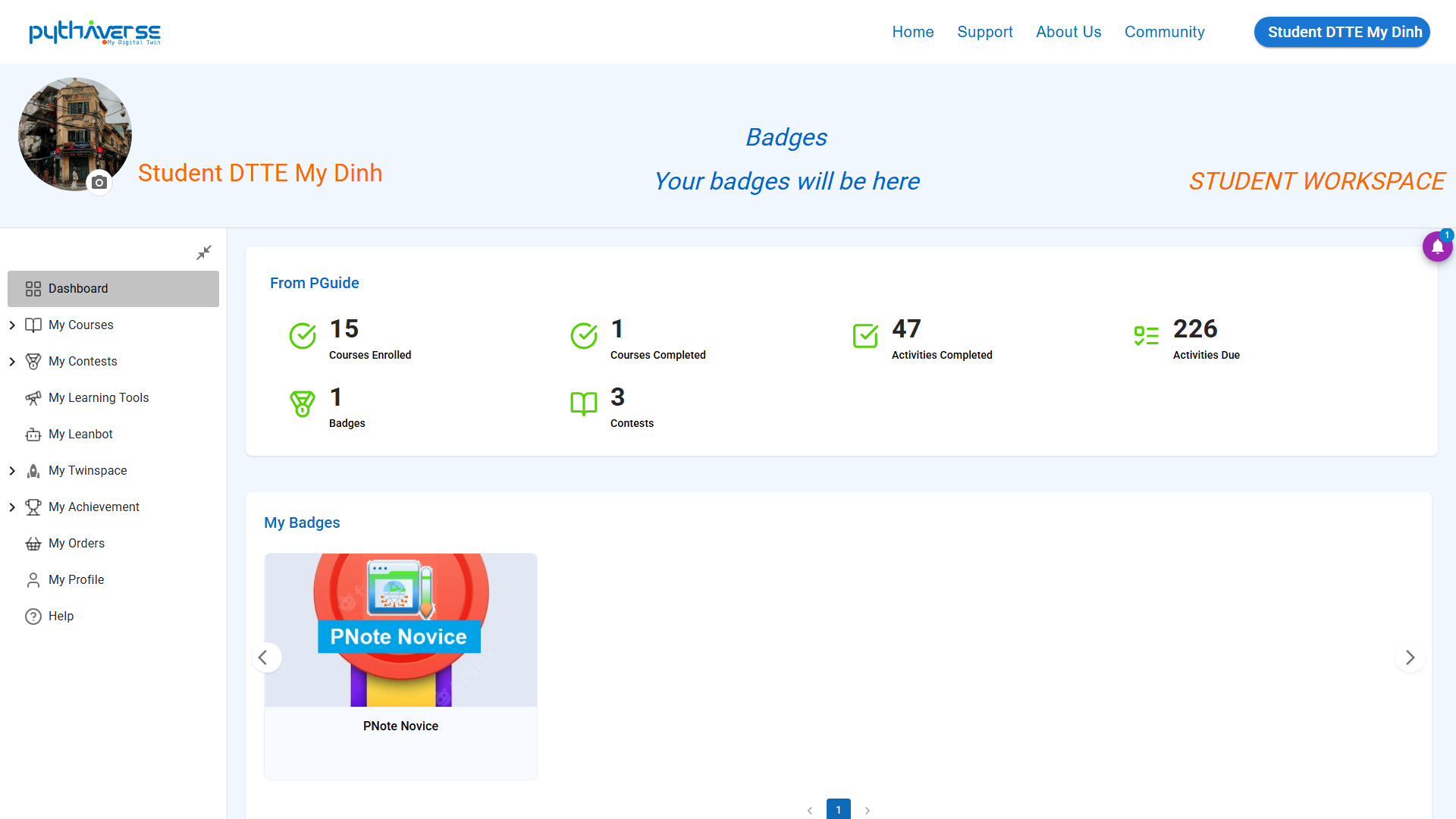
Hình ảnh: Dashboard
—
2. My Courses, Enrolled Courses & Course Activities (Learning & Lessons) #
List of registered courses and statistics on assignment completion progress:
- Enrolled Courses (Registered Courses): List of STEM/Leanbot programming courses you are authorized to access by your school.
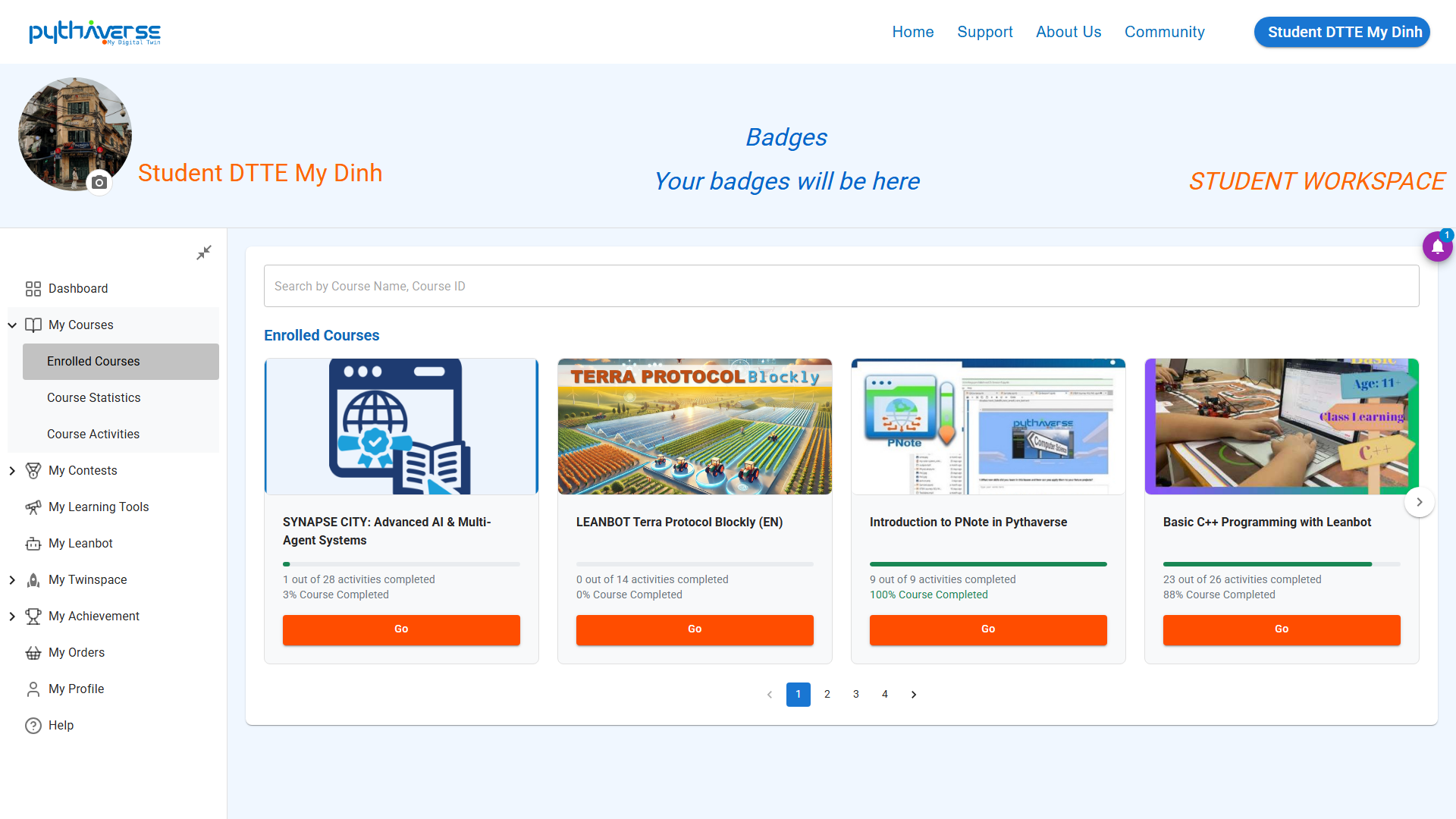
Hình ảnh: Enrolled Courses
- Course Statistics (Learning Statistics): Chart showing the learning progress of courses, the number of completed assignments in the course, the total number of assignments in the course, and the last access time.
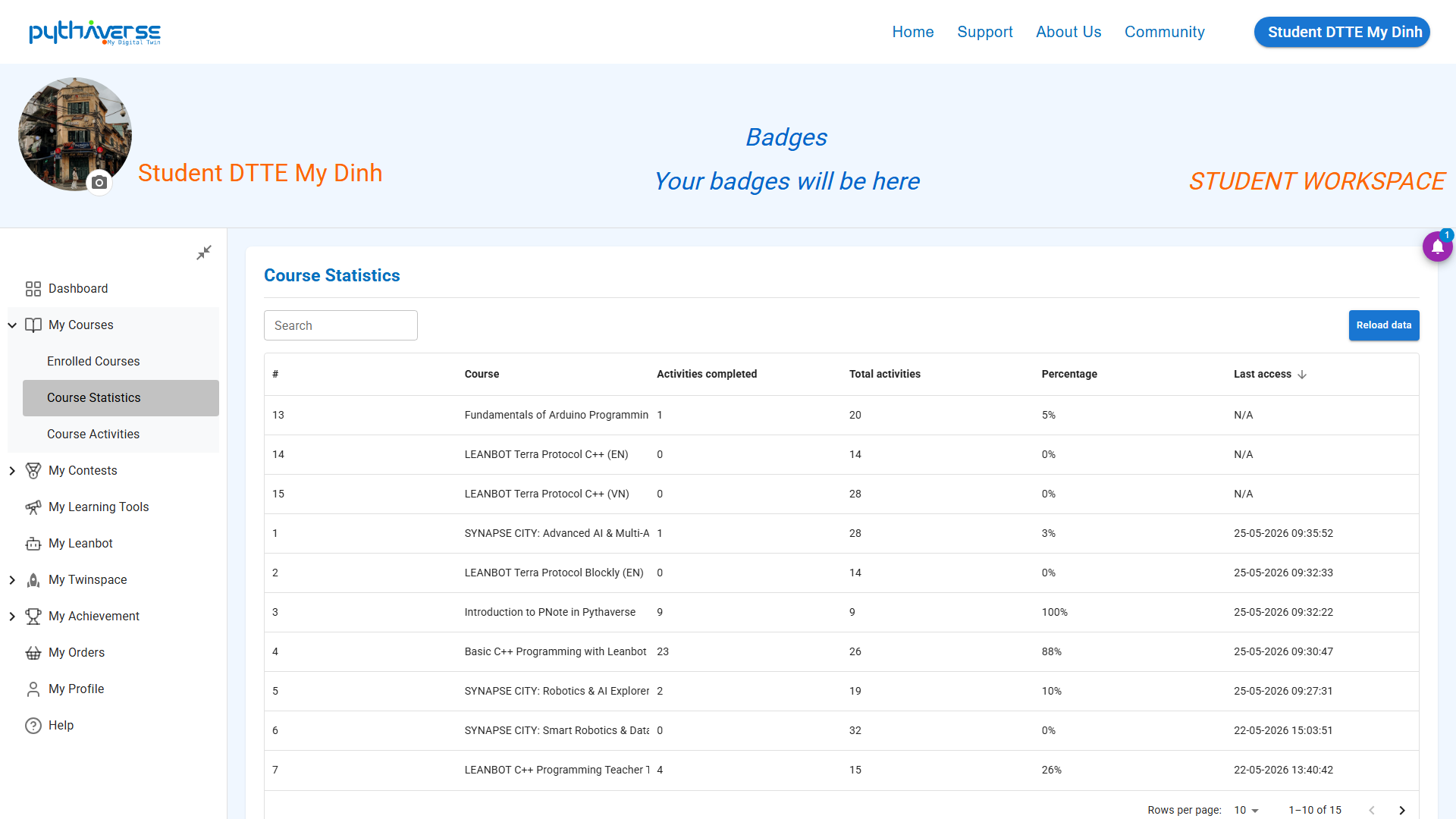
Hình ảnh: Course Statistics
- Course Activities (Lesson Activities): List of completed assignments with information and completion time, as well as the list of assignments to be completed in the courses.
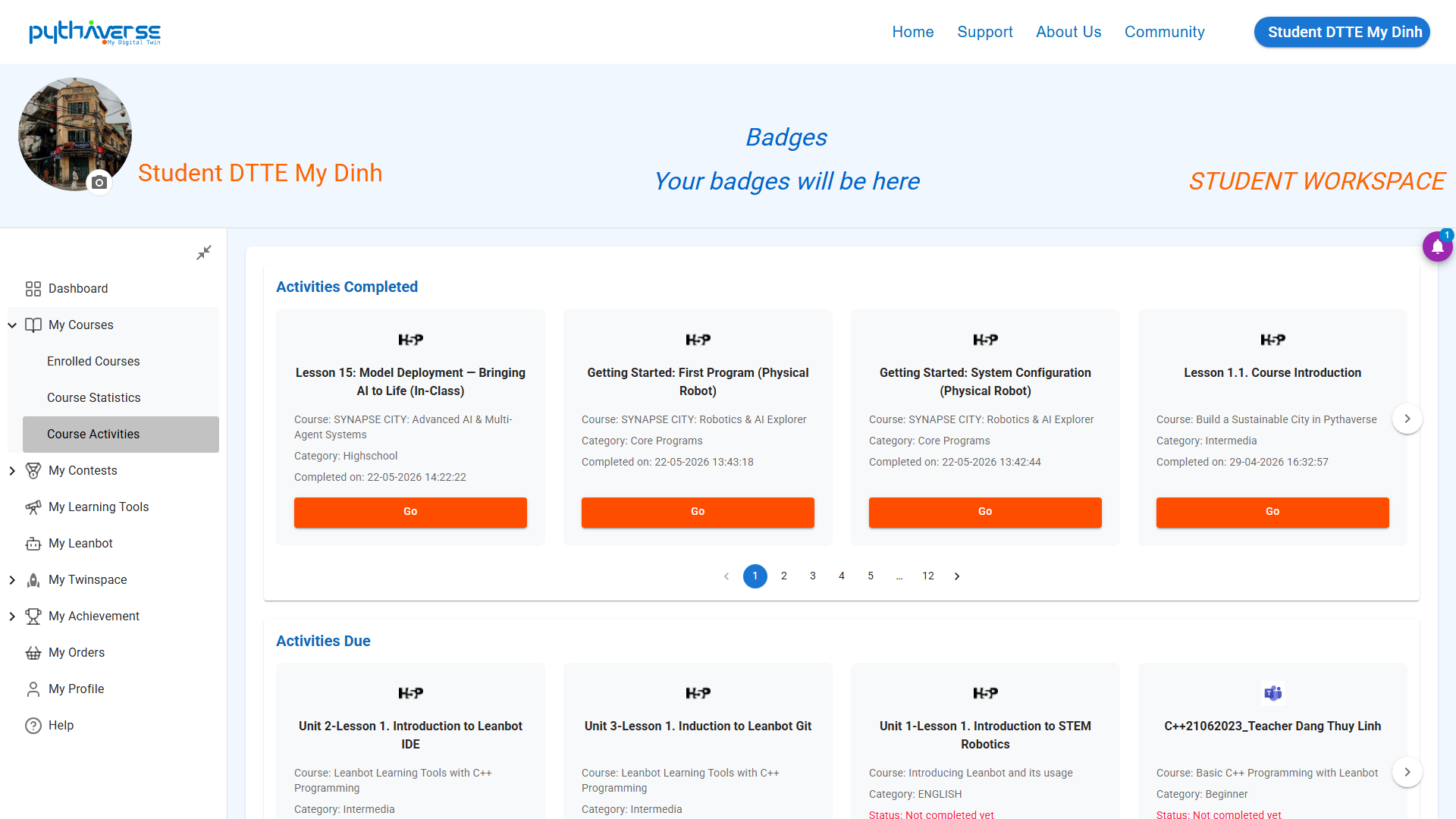
Hình ảnh: Course Activities
—
3. My Contests (Technology Contests) #
- Contests: Explore information about Leanbot contests at your current school (if any) and the list of all registered school-level, inter-school, or national Robot/STEM programming contests.
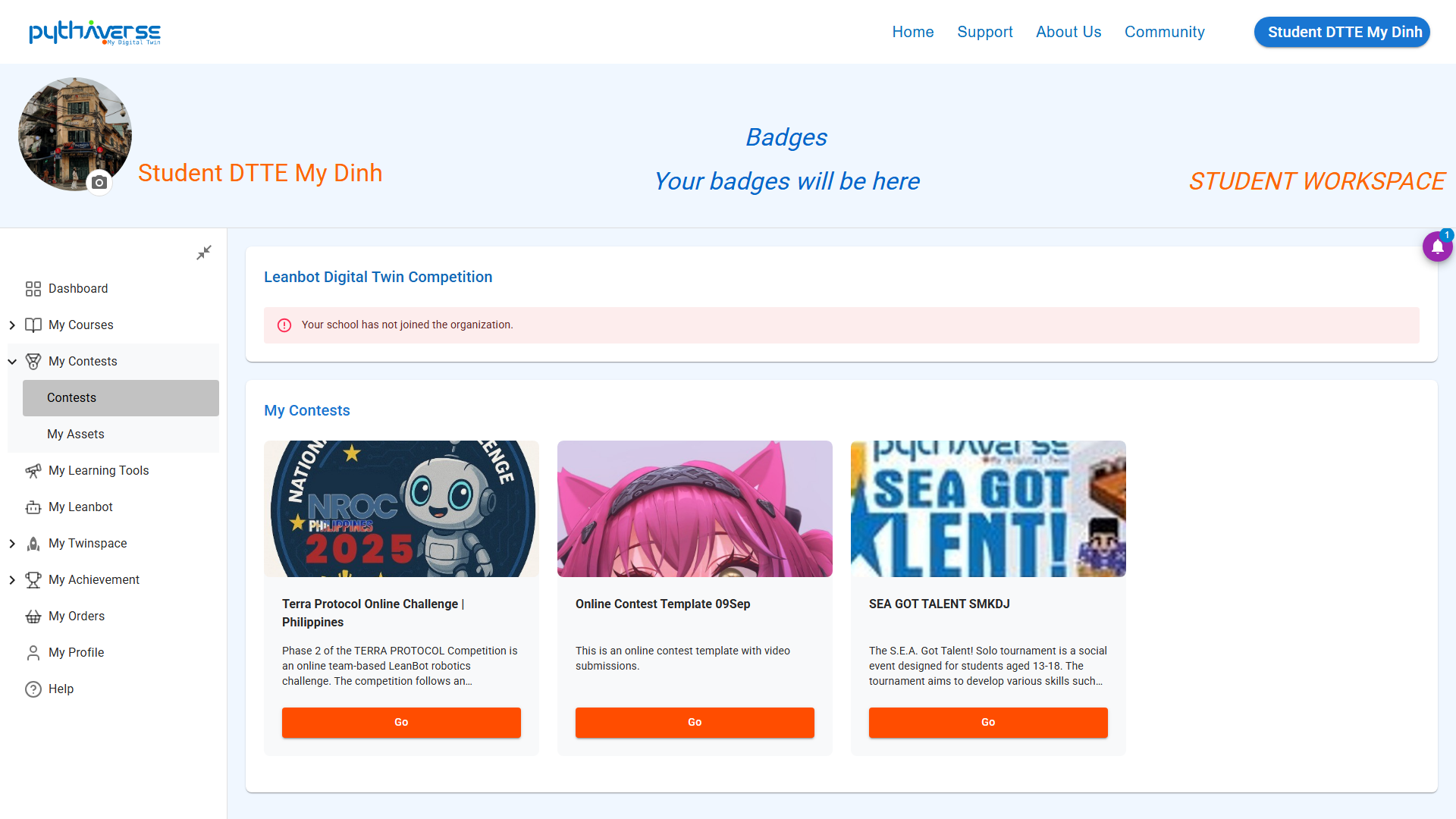
Hình ảnh: Contests
- My Assets: List of digital assets that students have created through AI tools. _(Under development)_
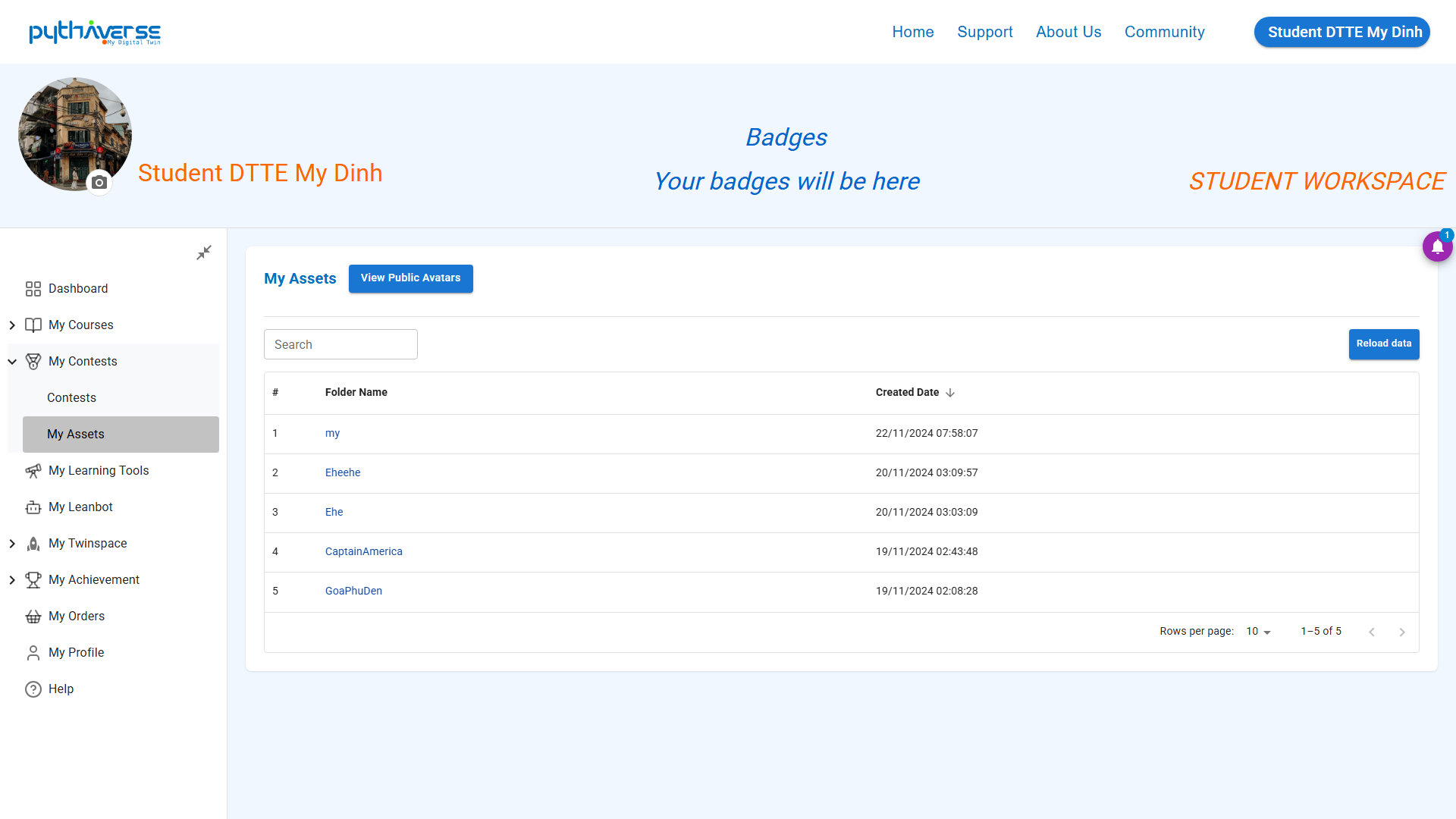
Hình ảnh: My Assets
—
4. My Learning Tools (Learning Tools) #
List of learning tools that support you in programming and doing assignments during your studies on the Pythaverse platform.
- Learning: Explore diverse ways to solve problems with the PTutor Learning Assistant. You can access virtual labs and digital educational content through PLab, or visit the homepage of competitions organized by Pythaverse and its partners.
- Creating: Provides a list of tools that help students write code for Leanbot with supported programming languages such as C++, Blockly, and Python. You can also participate in training your own AI with Q&A content customized by yourself.
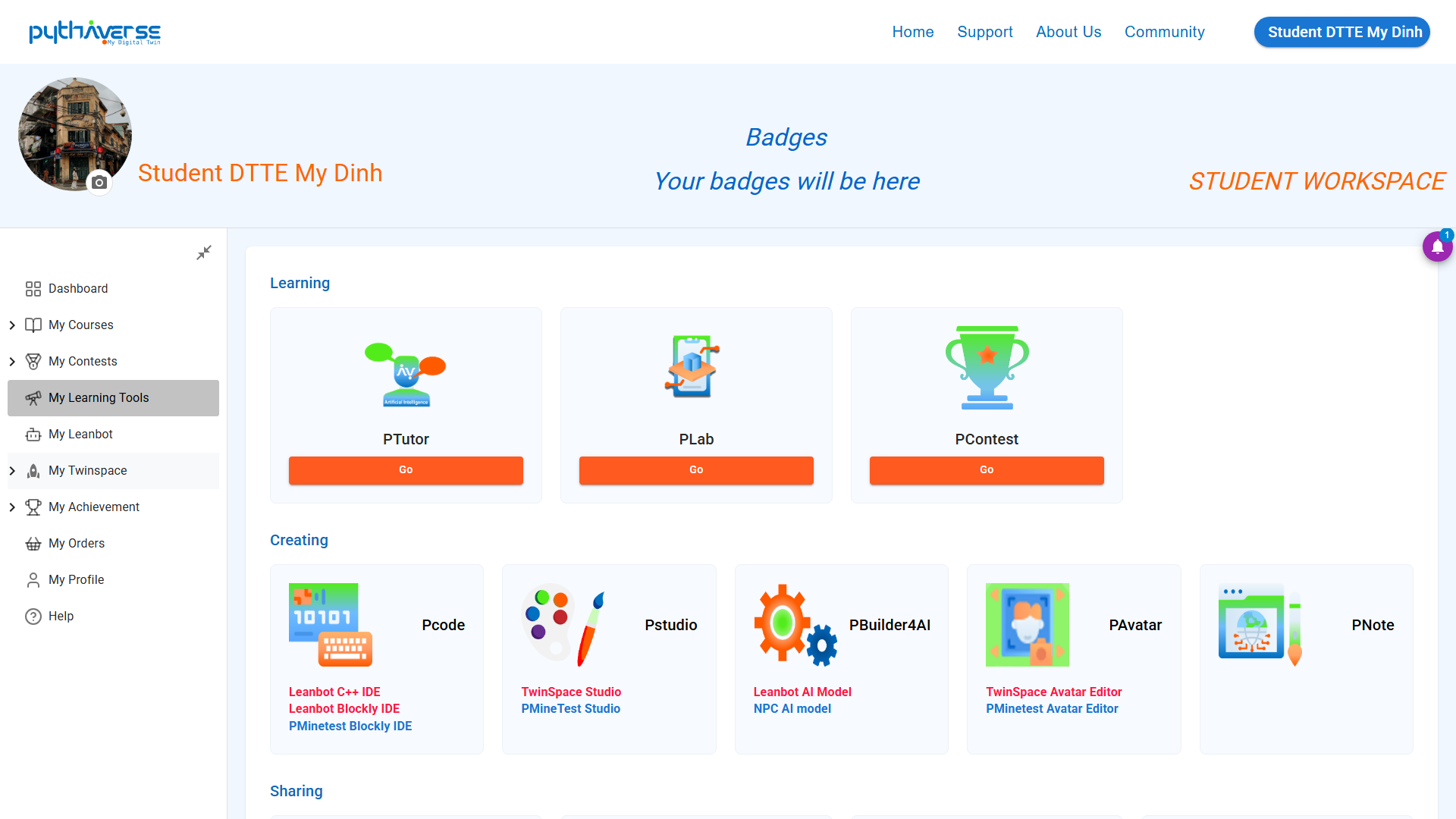
Hình ảnh: My Learning Tools
—
4. My Leanbot (Owned Leanbot Information) #
- My Leanbot: List of Leanbots that you currently own.
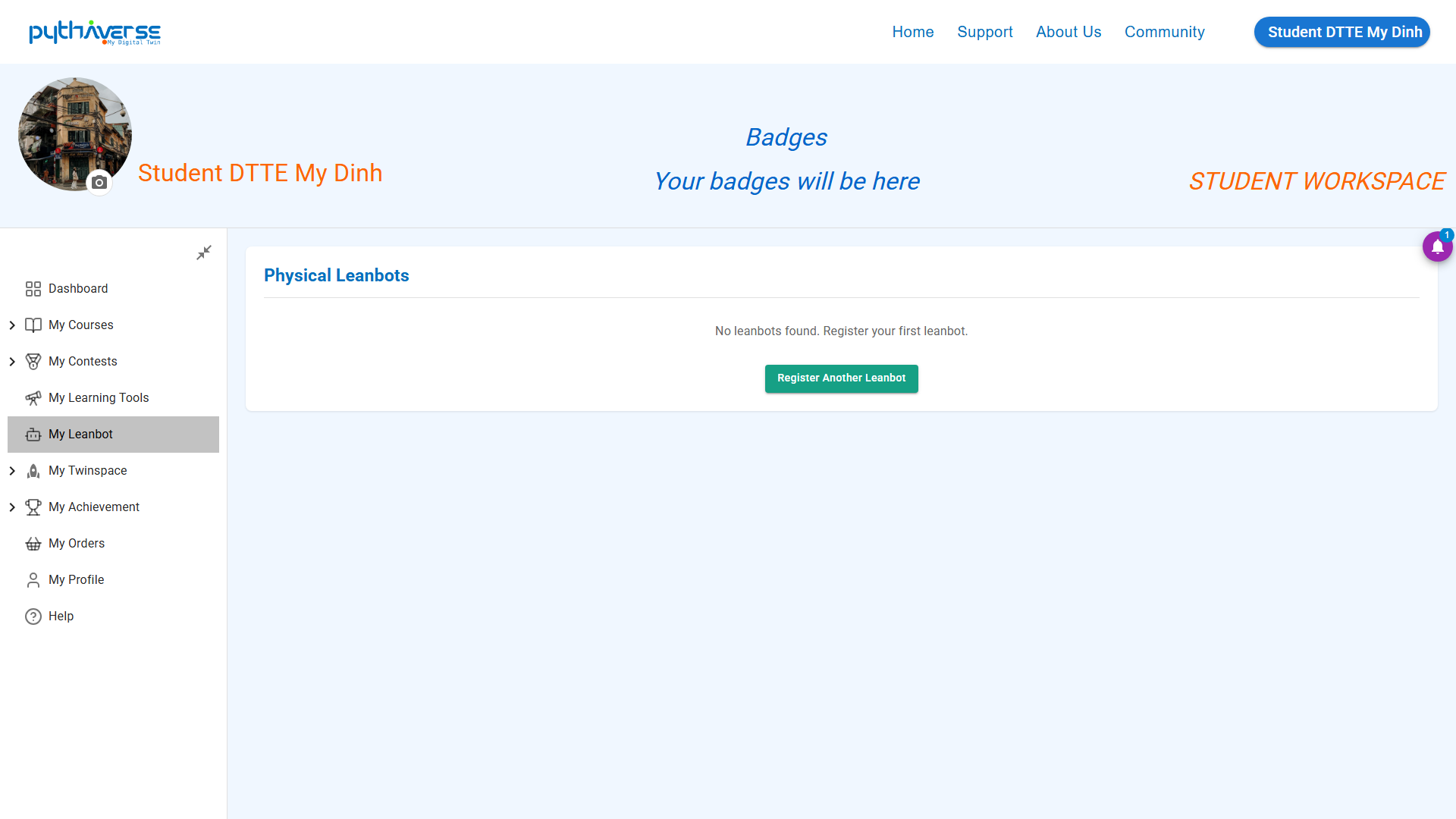
Hình ảnh: My Leanbot
—
5. My Twinspace (Virtual Interaction Space) #
- View: An internal learning social network space that helps you discuss lessons with teachers and other students by joining rooms with unique pixel character models.
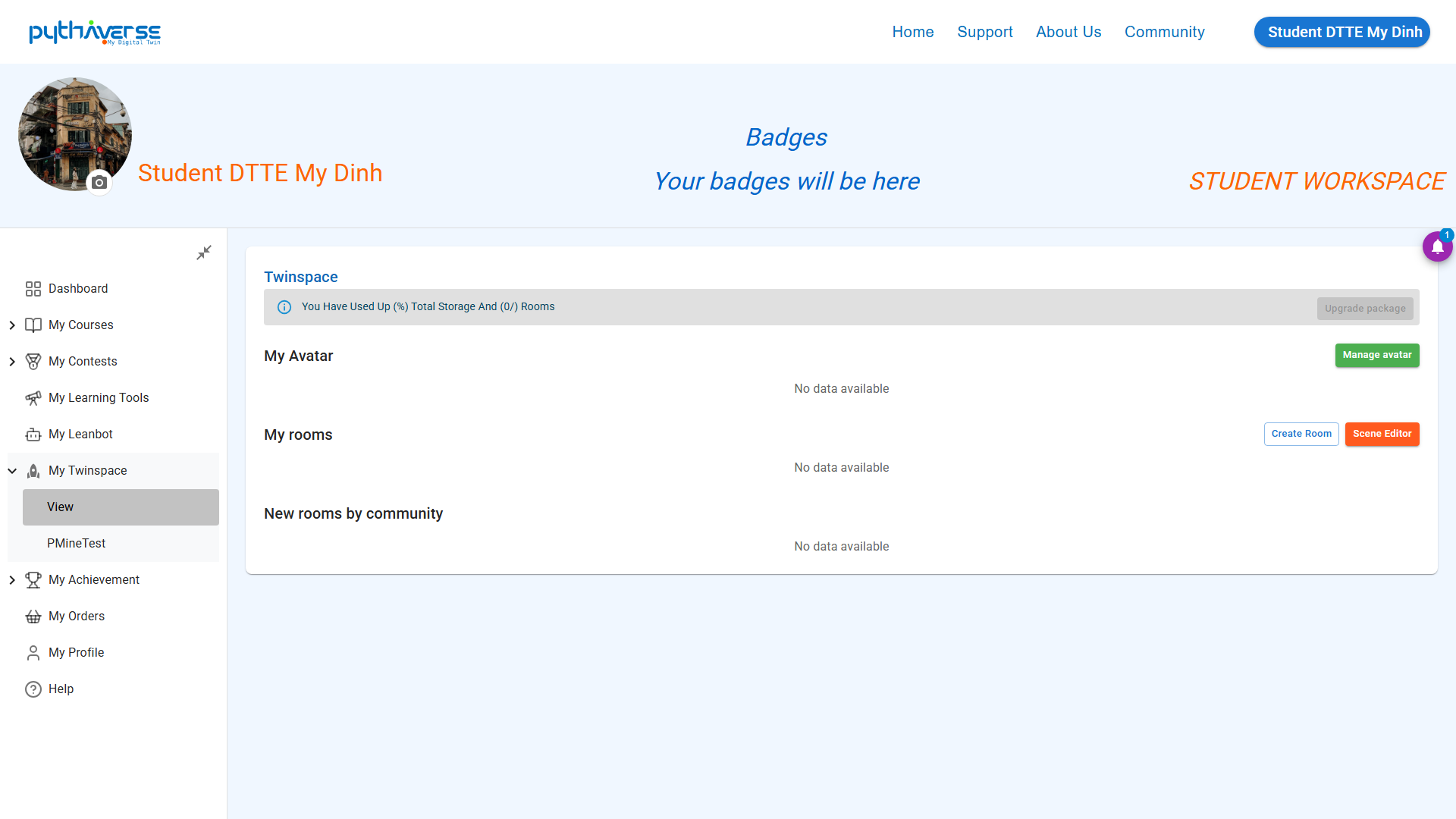
Hình ảnh: View
- PMineTest: A 3D open-world space (MineTest game) combined with Python programming to build a smart city in-game. _(Under development)_
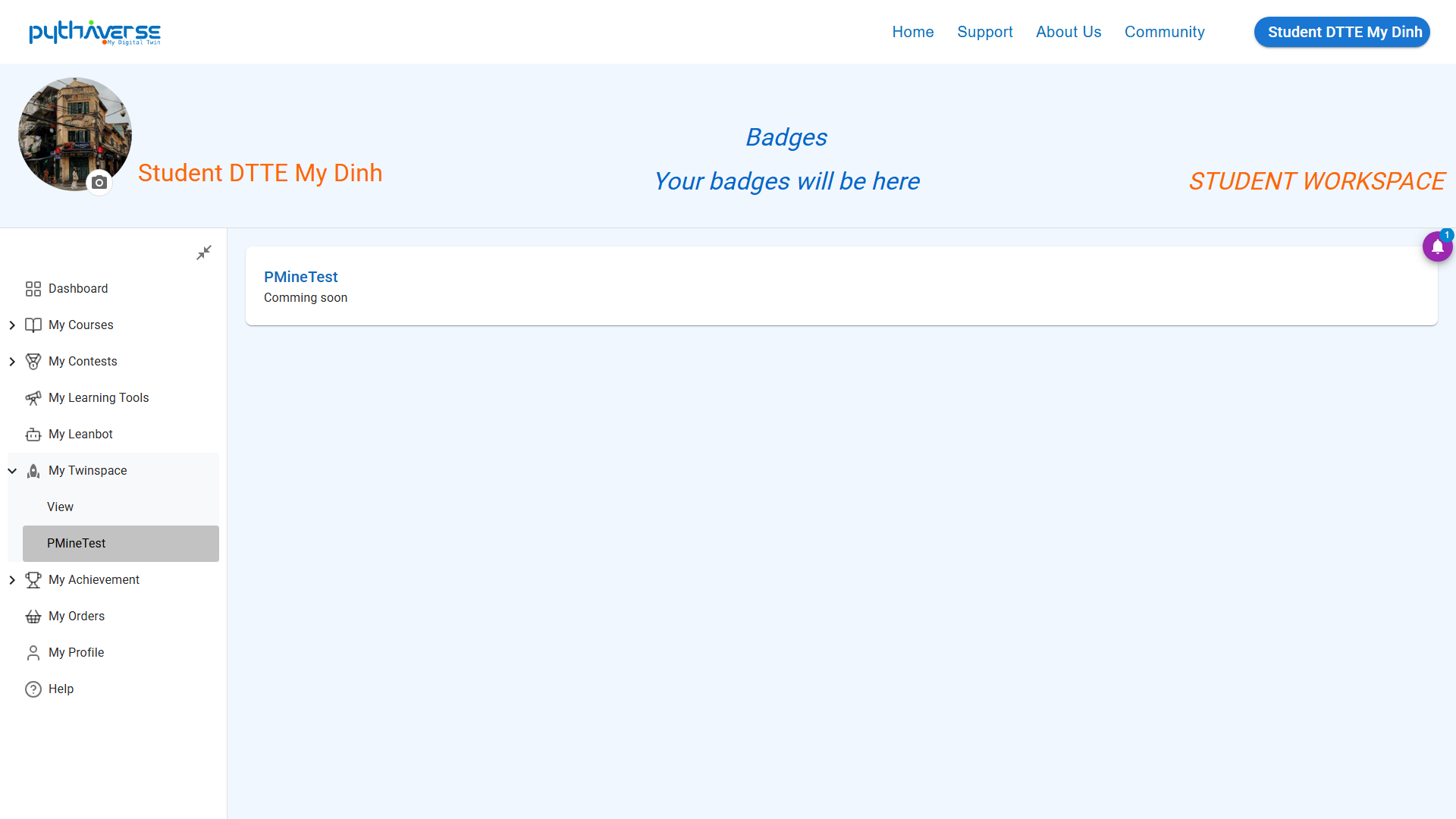
Hình ảnh: PMineTest
—
6. My Achievement (Honor Roll) #
Displays all the brilliant achievements you have strived to attain during your learning process:
- My Badges: Statistics and total number of badges accumulated through assignments.
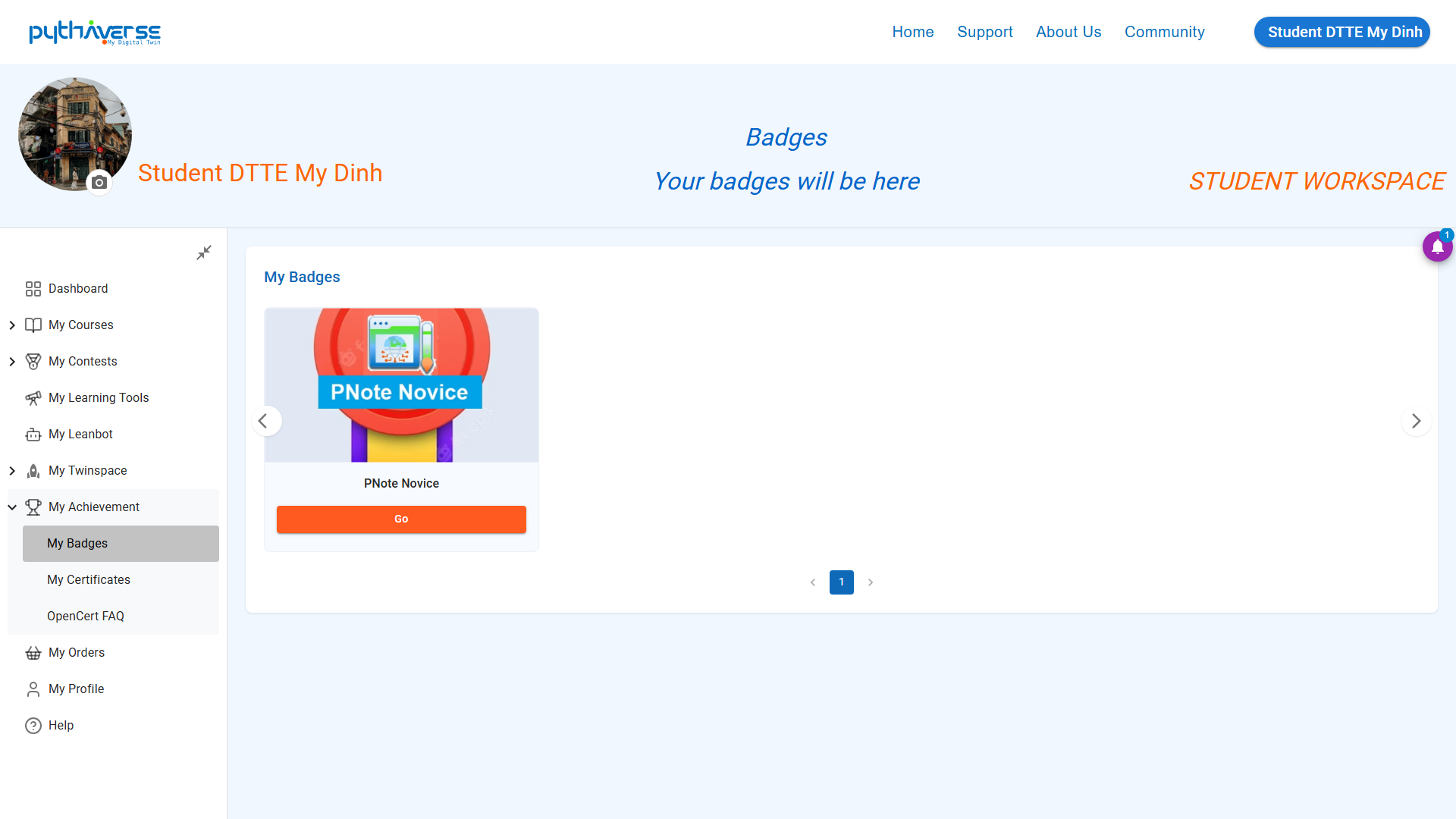
Hình ảnh: My Badges
- My Certificates: List of copyright certificates for completing STEM courses with international value issued by Pythaverse.
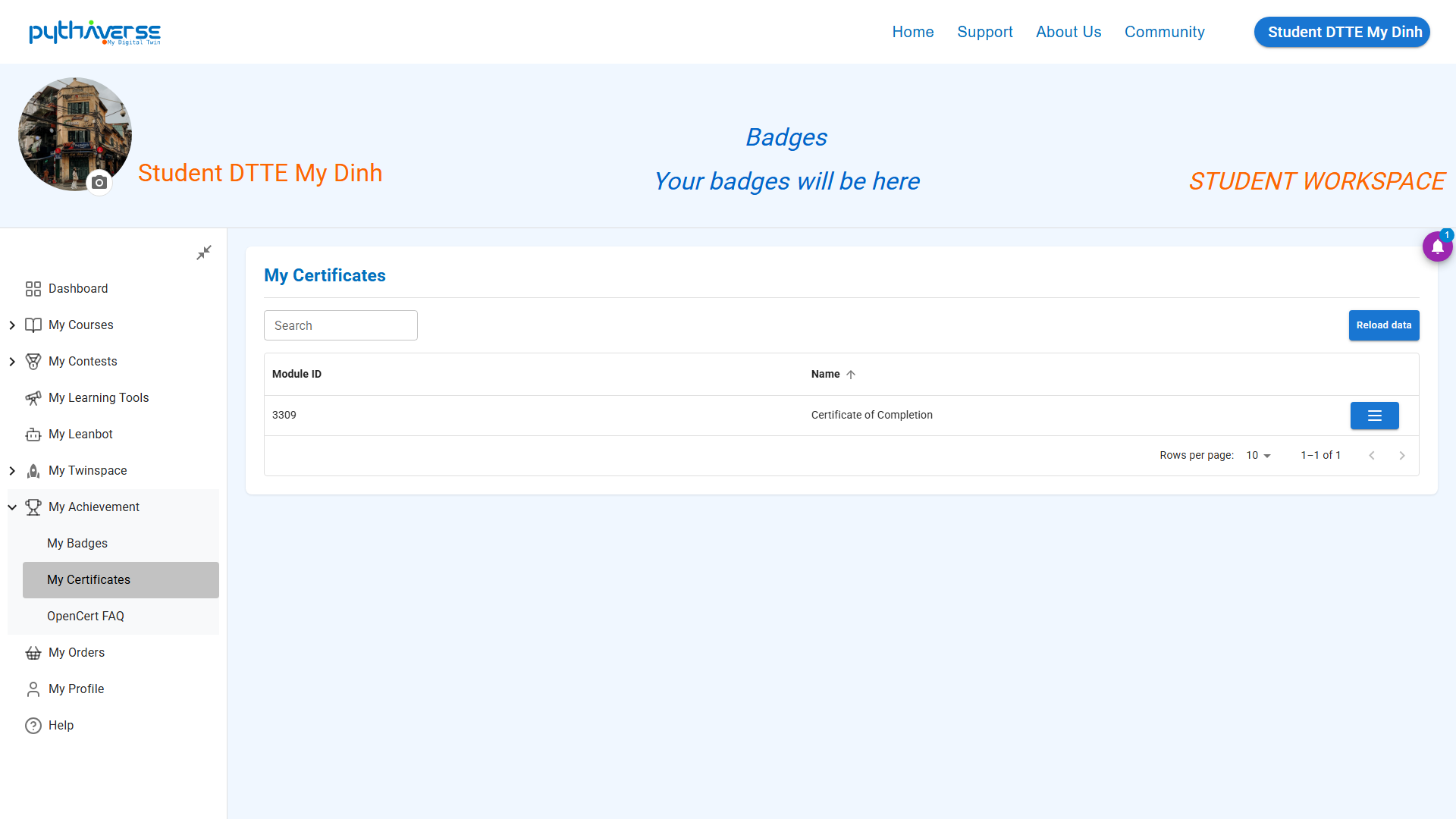
Hình ảnh: My Achievement
- Opencert FAQ: Frequently asked questions related to the Opencert credentialing platform.
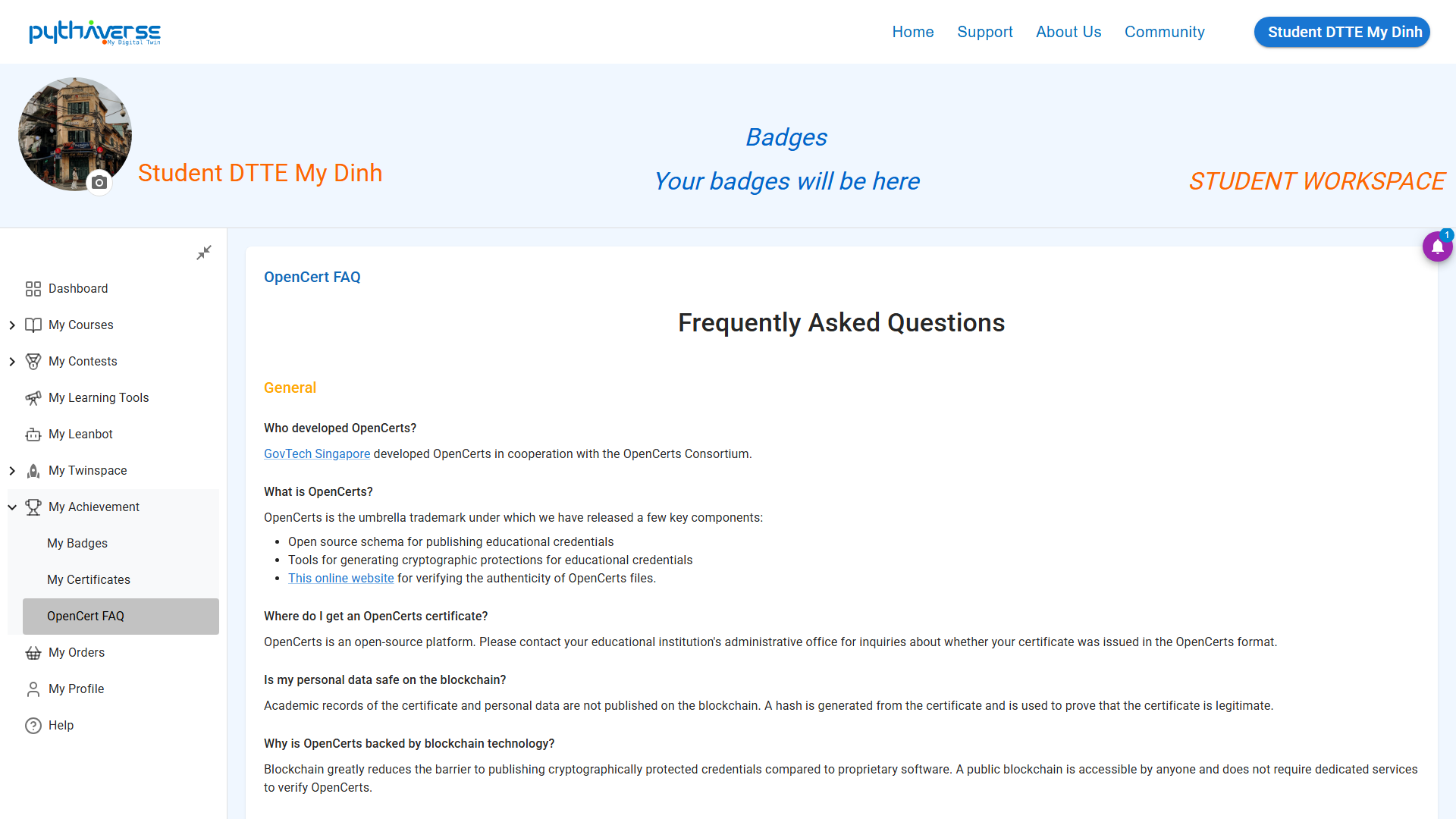
Hình ảnh: Opencert FAQ
—
7. My Order (Orders) #
Information about orders placed by users (through competitions or when placing Leanbot orders)
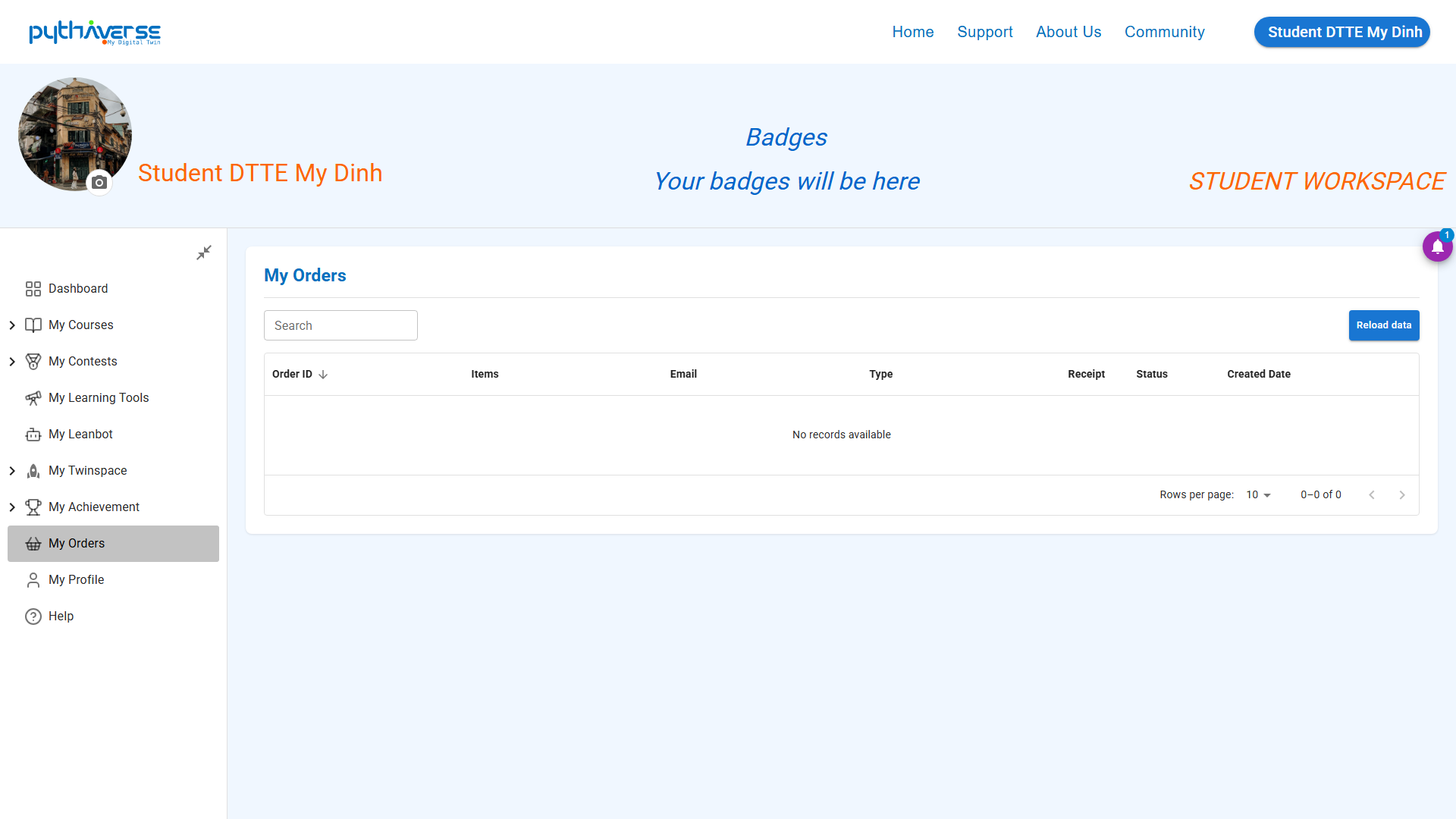
Hình ảnh: My Orders
—
8. My Profile (Personal Data) #
You can access this section to view and update your personal information, such as email, display name, etc.
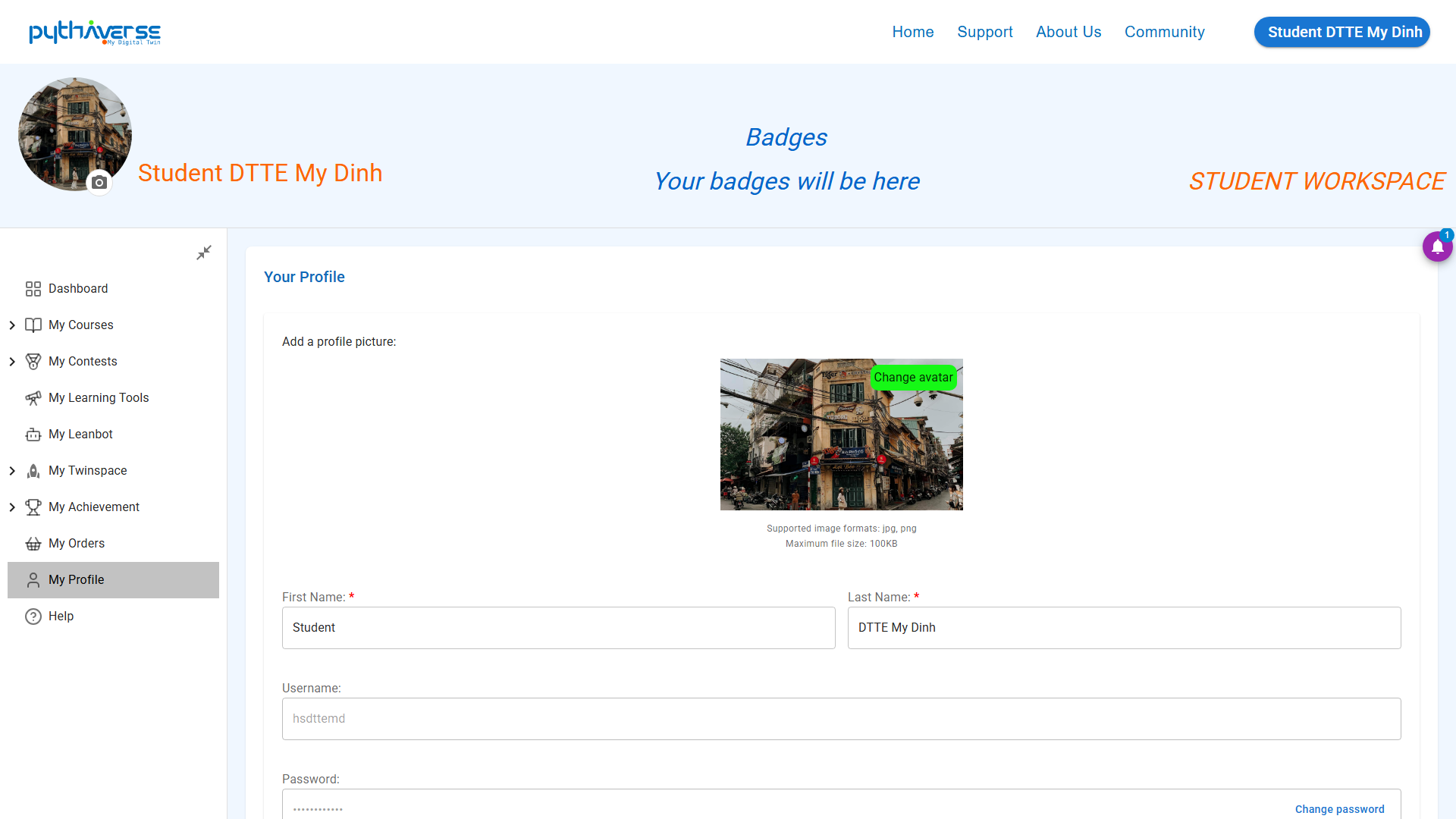
Hình ảnh: My Profile


